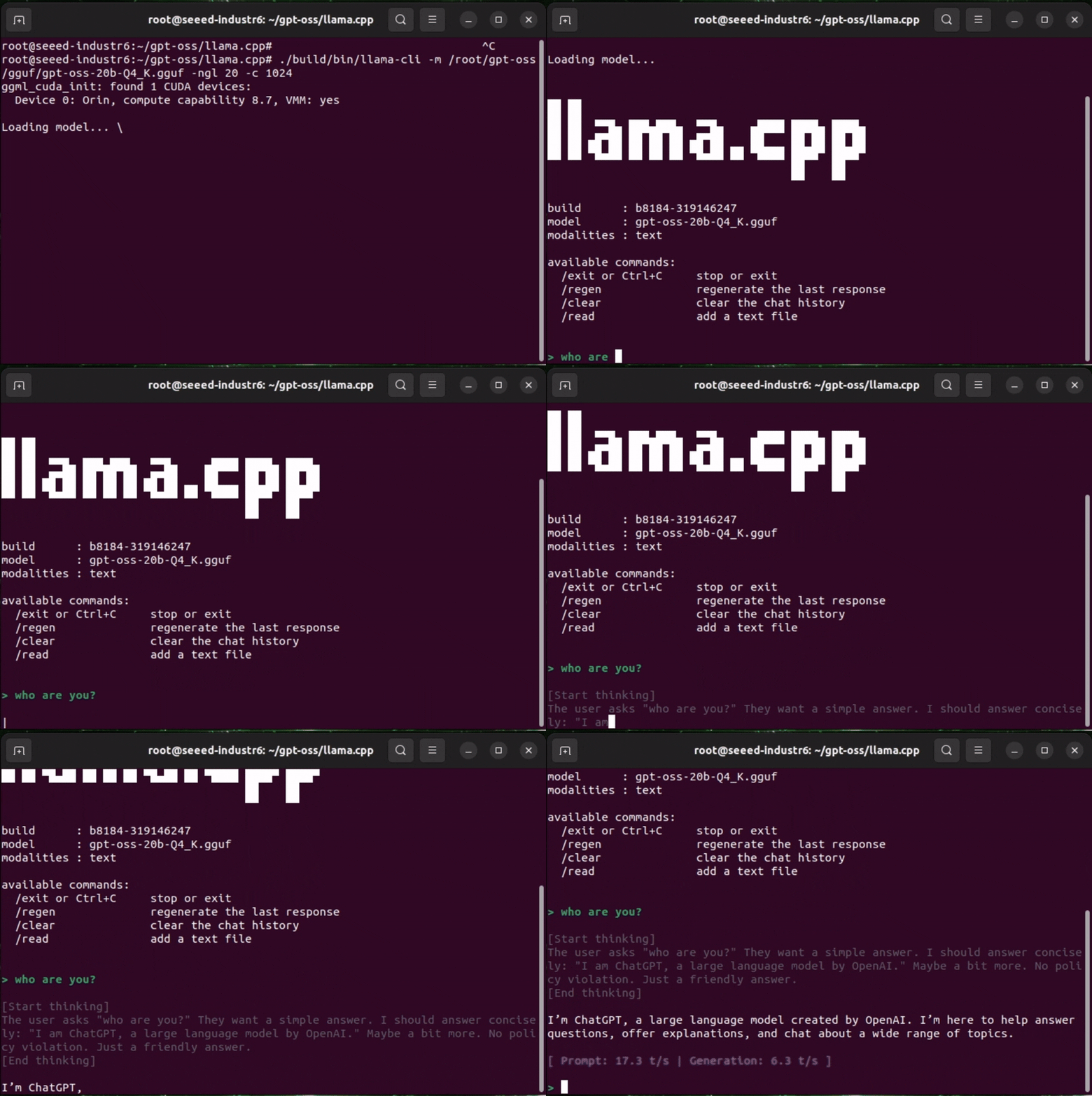
Preset: Jetson GPT OSS 20B Service {#jetson_got_oss}
Deploy GPT OSS 20B to your Jetson device with one click from this platform.
| Device | Purpose |
|---|
| NVIDIA Jetson (reComputer) | Runs GPT OSS 20B in Docker |
Step 1: Deploy GPT OSS 20B Service {#deploy_got_oss type=docker_deploy required=true config=devices/jetson.yaml}
Deploy the containerized GPT OSS 20B runtime to your Jetson over SSH.
部署目标: 远程部署(Jetson) {#jetson_remote type=remote config=devices/jetson.yaml default=true}
Deploy to your Jetson over SSH with one click.
Wiring
- Connect Jetson and your computer to the same network.
- Fill in Jetson IP, SSH username, and password.
- Click Deploy.
Deployment Complete
- The GPT OSS 20B container is running on your Jetson.
llama-server is started inside the container.- The service endpoint is available at
http://<jetson-ip>:8080.
- Readiness endpoint is available at
http://<jetson-ip>:8080/v1/models.
Troubleshooting
| Issue | Solution |
|---|
| SSH connection failed | Verify Jetson IP, username, password, and SSH service status |
| Docker runtime check failed | Ensure Docker is installed and NVIDIA runtime is available |
| Docker Compose unavailable | Ensure docker compose or docker-compose is installed |
| Service start failed | Inspect logs on Jetson: docker compose logs --tail=200 |
503 {"message":"Loading model"} on /v1/models | Model is still warming up; first run can take several minutes |
| Out-of-memory at startup | Reduce settings, for example set Llama NGL=16 and Llama Context=512 |
部署目标: 本机部署 {#jetson_local type=local config=devices/jetson_local.yaml}
直接在当前机器上部署(需要具备足够显存的 NVIDIA GPU)。
接线
- 确保已安装 Docker 和 NVIDIA Container Toolkit
- 点击 部署 开始安装
提示: 首次启动可能需要 15-30 分钟下载 Docker 镜像和加载模型。需要至少 20GB 可用磁盘空间。
部署完成
- 在浏览器打开 http://localhost:8080
- 你将看到 GPT OSS 聊天界面,可随时开始对话
故障排查
| 问题 | 解决方法 |
|---|
| 找不到 NVIDIA 运行时 | 安装 NVIDIA Container Toolkit:sudo apt install nvidia-container-toolkit && sudo systemctl restart docker |
| 端口 8080 已被占用 | 停止该端口上的其他服务 |
| 容器反复重启 | 查看日志:docker compose logs --tail=200 |
| GPU 显存不足 | 20B 模型需要较大显存。可尝试使用更小的模型变体 |
Step 2: Open Service Link {#preview_service type=preview required=false config=devices/preview.yaml}
Use this step to open the Jetson service URL directly in a new browser tab.
Wiring
- Enter Jetson IP in this step.
- Click Connect.
- The platform opens
http://<jetson-ip>:8080 in a new tab.
Deployment Complete
- The service page opens in your browser.
- You can return here and click Connect again to reopen it.
Troubleshooting
| Issue | Solution |
|---|
| Invalid host input | Enter a valid IP or hostname, for example 192.168.1.100 |
| New tab not opened | Allow pop-ups for this site and retry |
| Service page not reachable | Confirm Jetson service is listening on 8080 and network is reachable |
Deployment Complete
GPT OSS 20B runtime has been deployed successfully on your Jetson.
Validation Checklist
- Step 1 deployment status shows success.
- The GPT OSS 20B container stays in running state.
- Clicking Connect in Step 2 opens
http://<jetson-ip>:8080.